Two-Factor Authentication (2FA) Now Available
Keep Your Account More Secure with 2FA
We've added Two-Factor Authentication (2FA) to RefNow, giving you an extra layer of security when logging in.
What is 2FA?
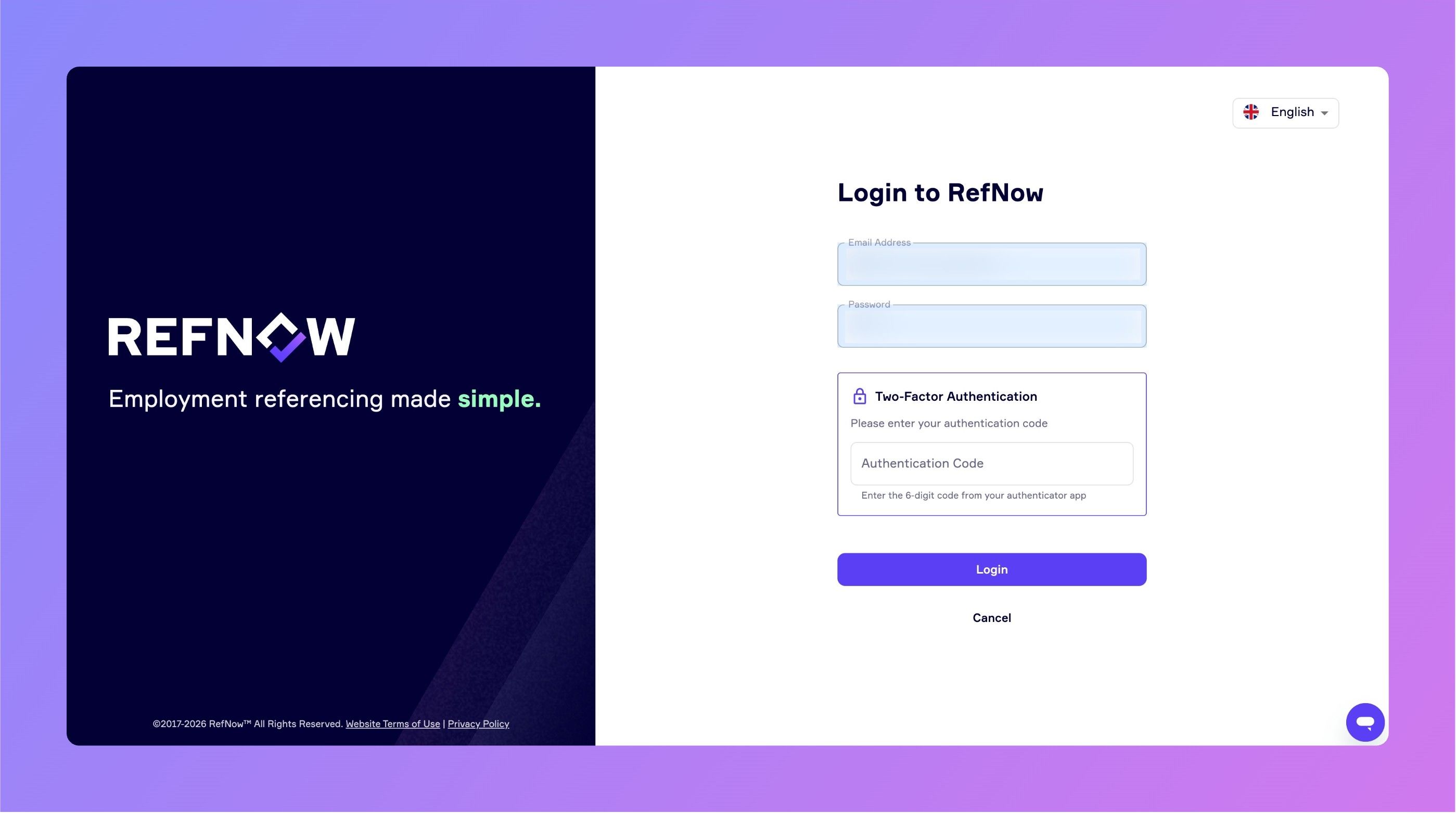
When enabled, you'll need both your password and a 6-digit code from an authenticator app (like Google Authenticator) to log in. This means even if someone gets your password, they can't access your account without your phone.
How to Enable 2FA
Go to Settings → My Account
Find the Two-Factor Authentication section
Click Enable 2FA
Scan the QR code with your authenticator app
Enter the verification code and you're done!
For Admins
Super Admins and Team Admins can now see each user's 2FA status in the Users list, and can reset 2FA for users who have lost access to their authenticator app.
Industry Standards and Compliance
Many organisations now require 2FA for systems handling personal data - whether for ISO 27001 compliance, GDPR best practices, or internal security policies. By adding 2FA to RefNow, we're helping you meet these requirements without needing third-party solutions.